Pretty in Pink!
Learn Tailwind CSS ✨
A friendly, beginner-first tutorial blog designed to help you feel confident, creative, and powerful while learning CSS — no intimidation, no gatekeeping.
🎨 Colors - Your Design Palette
Colors in Tailwind are like choosing paint for your room. You can use them for backgrounds, text, borders, and more!
Background Colors
Use bg- prefix for backgrounds. Try changing the color below using colors from the palette above!
Change bg-barbie to bg-sky, bg-blush, bg-pink-500, bg-purple-400, bg-blue-400, bg-green-400, or bg-yellow-300
✏️ Edit Your Code:
👀 Live Preview:
Text Colors
Use text- prefix for text colors. Use colors from the palette above!
Try text-sky, text-purple-400, text-blue-400, text-green-400, or text-yellow-300
✏️ Edit Your Code:
👀 Live Preview:
🖼️ Images - Shape Your Visuals
Make images look amazing with rounded corners, circles, and perfect sizing!
Rounded Images
Use rounded- for soft corners on your images.

<img src="your-image.png" alt="Description" class="w-48 h-48 rounded-lg">
💡 Try rounded-md, rounded-lg, rounded-xl, rounded-2xl, or rounded-full for circles!
Circular Images
Perfect circles with rounded-full! Great for profile pictures.

<img src="profile.png" alt="Profile picture" class="w-32 h-32 rounded-full">
💡 Make sure width and height are the same for perfect circles!
Image Sizes
Control size with w- and h- classes.
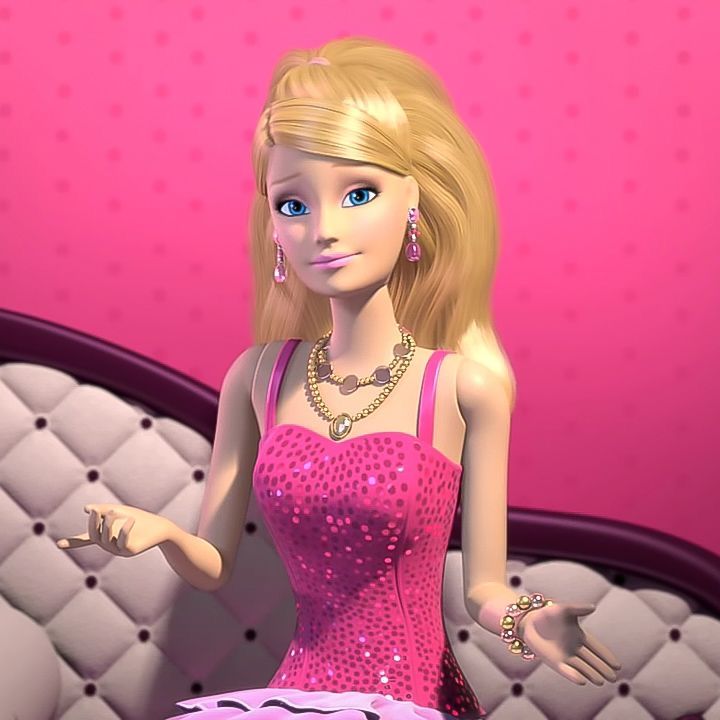
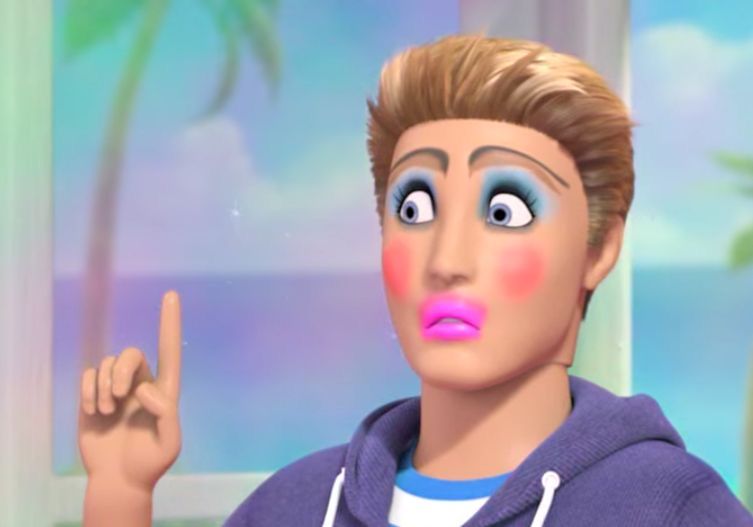

<img src="image.png" alt="Description" class="w-24 h-24 rounded-xl">
💡 Try w-16 h-16 (small), w-40 h-40 (medium), or w-48 h-48 (large)
Image Examples
Here are examples of different image styles you can create with Tailwind:

rounded-lg
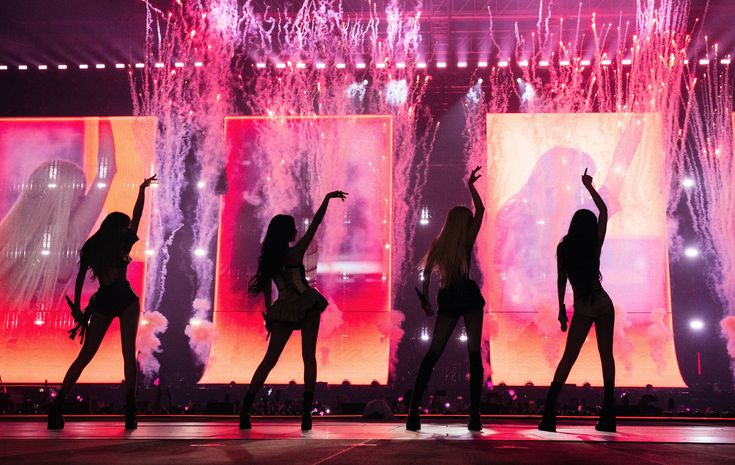
rounded-full

rounded-xl

with border
💡 These images are examples only. Replace the placeholder URLs with your own PNG images!
✍️ Typography - Beautiful Text
Make your text stand out with different sizes, weights, and styles!
Text Sizes
Use text- with sizes from xs to 9xl.
Try text-sm, text-base, text-lg, text-xl, text-2xl, text-3xl, text-4xl, or text-5xl
✏️ Edit Your Code:
👀 Live Preview:
Font Weights
Control how bold your text is with font- classes.
Try font-thin, font-light, font-normal, font-medium, font-semibold, font-bold, or font-extrabold
✏️ Edit Your Code:
👀 Live Preview:
Bold Text
Text Alignment
Align text left, center, or right!
Try text-left, text-center, or text-right. Note: text alignment works on block elements!
✏️ Edit Your Code:
👀 Live Preview:
Centered Text
Typography Examples
Heading 1 - Extra Bold
Heading 2 - Bold
Heading 3 - Semi Bold
Regular paragraph text
Small italic text
📦 Flexbox - Arrange Items
Flexbox is like organizing items in a row or column. Perfect for navigation bars, cards, and layouts!
Horizontal Layout (Row)
Use flex to arrange items side by side.
Try adding justify-center, justify-between, or items-center
✏️ Edit Your Code:
👀 Live Preview:
Vertical Layout (Column)
Use flex flex-col to stack items vertically.
Try adding items-center or items-end for alignment
✏️ Edit Your Code:
👀 Live Preview:
Centering Content
Perfect for centering items both horizontally and vertically!
items-center = vertical, justify-center = horizontal
✏️ Edit Your Code:
👀 Live Preview:
Flexbox Properties
- • justify-start (left)
- • justify-center (center)
- • justify-end (right)
- • justify-between (space between)
- • items-start (top)
- • items-center (middle)
- • items-end (bottom)
- • items-stretch (fill)
🔲 Grid - Perfect Layouts
Grid is like a table or spreadsheet - perfect for card layouts, galleries, and organized content!
Basic Grid
Use grid grid-cols- to create columns.
Try grid-cols-2, grid-cols-4, or grid-cols-5
✏️ Edit Your Code:
👀 Live Preview:
Responsive Grid
Make grids that adapt to screen size with md: or lg:!
1 column on mobile, 2 on tablet, 3 on desktop!
✏️ Edit Your Code:
👀 Live Preview:
Grid Gap
Control spacing between grid items with gap-.
Try gap-2 (small), gap-4 (medium), gap-8 (large), or gap-12 (extra large)
✏️ Edit Your Code:
👀 Live Preview:
Grid Examples
💡 Grid is perfect for card layouts, image galleries, and dashboard designs!
📏 Spacing - Breathing Room
Padding and margin give your elements space to breathe. Think of padding as the space inside, margin as space outside!
Padding (Inside Space)
Use p- for padding (space inside the element).
Try p-2 (tiny), p-4 (small), p-6 (medium), p-8 (large), or p-12 (huge)
✏️ Edit Your Code:
👀 Live Preview:
Margin (Outside Space)
Use m- for margin (space outside the element).
💡 Try m-4, m-6, m-8, or m-12. Use mx- for horizontal, my- for vertical!
Spacing Reference
- • p-1 = 0.25rem (4px)
- • p-2 = 0.5rem (8px)
- • p-4 = 1rem (16px)
- • p-6 = 1.5rem (24px)
- • p-8 = 2rem (32px)
- • p-12 = 3rem (48px)
- • pt- = padding top
- • pb- = padding bottom
- • pl- = padding left
- • pr- = padding right
- • px- = horizontal (left + right)
- • py- = vertical (top + bottom)
💅 Beginner Confidence Tips
🌷 You don't need to memorize everything — Google + docs are normal. Even pros look things up!
🌷 Copying examples is learning, not cheating. Start with examples, then modify them to make them yours!
🌷 Your code doesn't need to be perfect to be powerful. Working code > perfect code!
🌷 Experiment fearlessly! The interactive editors above let you try things without breaking anything.
🌷 Combine classes like outfits. Mix and match until it looks good to you!